
Facebook vs Instagram for local business is a fair question, because few owners have time to run both well. Here is the short answer. For most local service businesses, Facebook is the better first platform. Neighbors ask for recommendations there, your Page can collect them, and a post can link straight to your booking page. Instagram earns its place when your work looks great in a photo. The best setup for most trades is both: lead with Facebook, then share the same job photo to Instagram.
This guide puts the two side by side and shows which one leads for common trades. It also explains how to post once and show up on both. If you would rather have someone look at your pages first, a free growth audit covers your social profiles too.
What does each platform do best?
They are built for different jobs. Facebook works like a local bulletin board. Instagram works like a portfolio people scroll on their phone.
Facebook for local business
Facebook is strongest when a customer already has a need and wants a name they can trust.
- Local groups. Town and neighborhood groups are where people ask who to call for a leak or a dead AC unit. A helpful reply from your Page puts you in that conversation.
- Recommendations. Your business Page can show recommendations from customers. Facebook lets Page owners turn recommendations on or off in the Page settings.
- Links that work. A post can send people straight to your website, your booking form, or your phone number.
- Messages. Customers can message your Page about a job, so someone needs to answer the same day.
Instagram for contractors and visual trades
Instagram rewards work that looks good on a small screen. It is built around photos and short videos, so the picture does the selling.
- Before and after shots. A clear pool, a new roof, or a finished yard tells the story without a long caption.
- Short videos. A quick clip of the crew at work shows skill and care.
- A portfolio. Your profile becomes a grid of finished jobs a customer can scroll before they call.
The catch is effort. Instagram needs a good photo every time. A dim shot of a water heater in a garage will not carry a post there.
Facebook vs Instagram side by side
Here is how the two compare on the things that matter to a service business.
| Best for | Neighbors who need a service now | Showing off work that looks good in photos |
| Where trust shows | Recommendations on your Page and replies in local groups | A grid of finished jobs on your profile |
| What a post needs | A clear photo and a few useful words | A strong photo or short video every time |
| Effort per post | Lower: a phone photo and a short caption | Higher: the picture has to stand on its own |
| Trades that lean on it | Plumbing, HVAC, electrical, pest control, garage door | Landscaping, pool service, roofing, remodeling |
| Weak spot | A quiet Page looks closed | Weak photos get scrolled past |
Neither one replaces your Google listing. When someone nearby searches for your service, your Google Business Profile is what shows up on the map. Social media backs up that first impression.
Both apps are also rented ground. Point every post back to a website you own, for the reasons in Do You Need a Website If You Have a Facebook Page?
What is the best social media for a service business in your trade?
Start with the work you do and how it looks when it is done. Use this table as a starting point, not a rule.
| Trade | Lead with | Second platform | Why |
|---|---|---|---|
| HVAC | Instagram for clean installs | Most calls start with a need, like a unit that quit | |
| Plumbing | Instagram for remodels | Repairs rarely make pretty photos, and trust sells the job | |
| Electrical | Instagram for panels and lighting | Customers want a safe, licensed name they recognize | |
| Pest control | Optional | Seasonal tips and reminders do most of the work | |
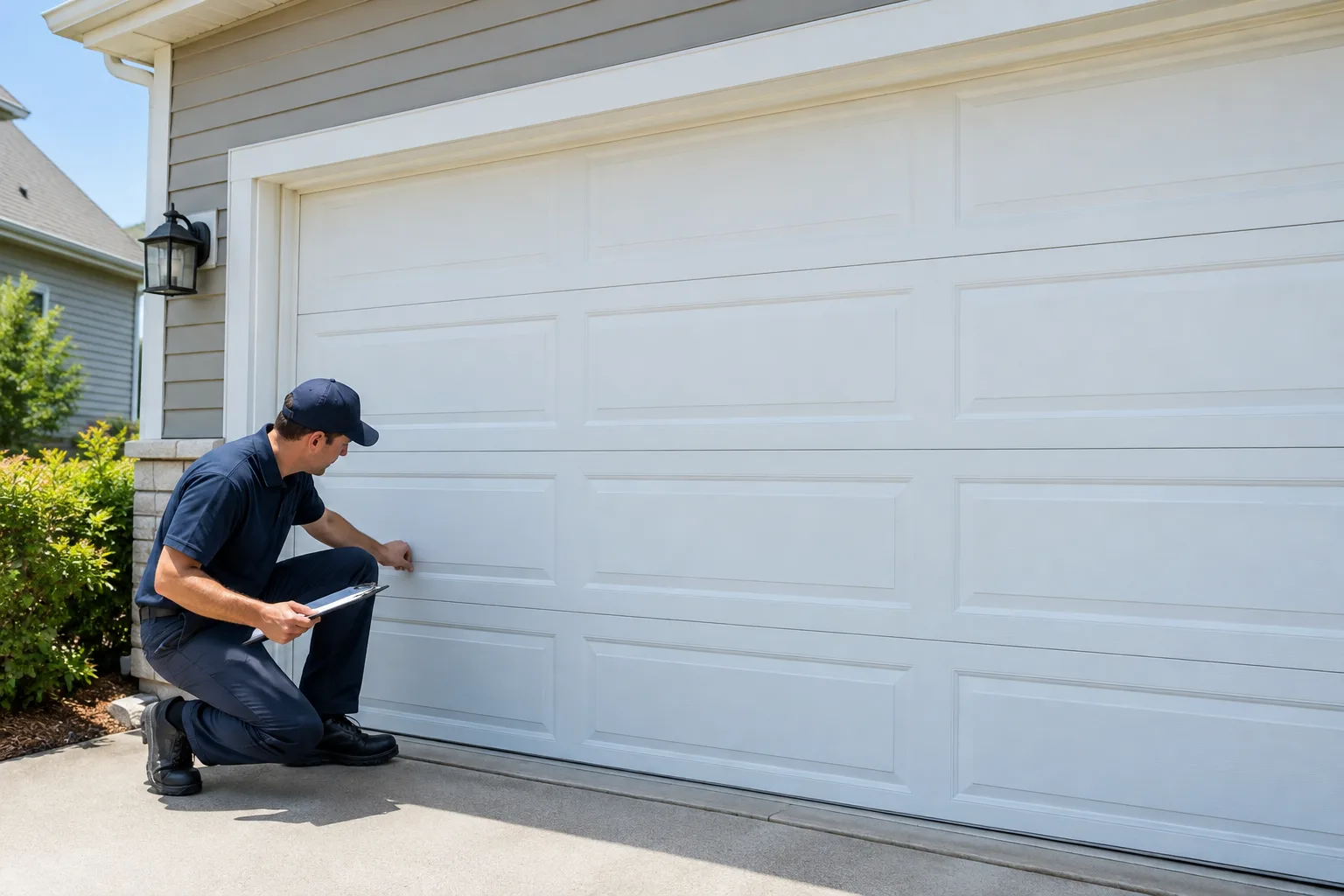
| Garage door | Instagram for new doors | New doors photograph well, repairs do not | |
| Roofing | Instagram for finished roofs | A new roof is a big, visible change | |
| Landscaping | Both from day one | Both | Finished yards are made for photos |
| Pool service | Both from day one | Both | A cloudy pool turned clear is a perfect before and after |
If your trade sits in the visual rows, Instagram can carry real weight. If it does not, Facebook does the heavy lifting and Instagram is a bonus.
How do you know where your customers are?
Ask them. National surveys about who uses which app describe the country, not your town. Your own customers will tell you more in a month than any chart.
- Ask every new customer how they found you, and which app they check most.
- Note where messages come from. A Facebook message and an Instagram message both count as a lead.
- Think about your best jobs from the last year. Ask which app those customers would scroll.
Write the answers down for a few weeks. That small log gives you a pattern you can act on, which beats guessing.
How do you run both without doubling the work?
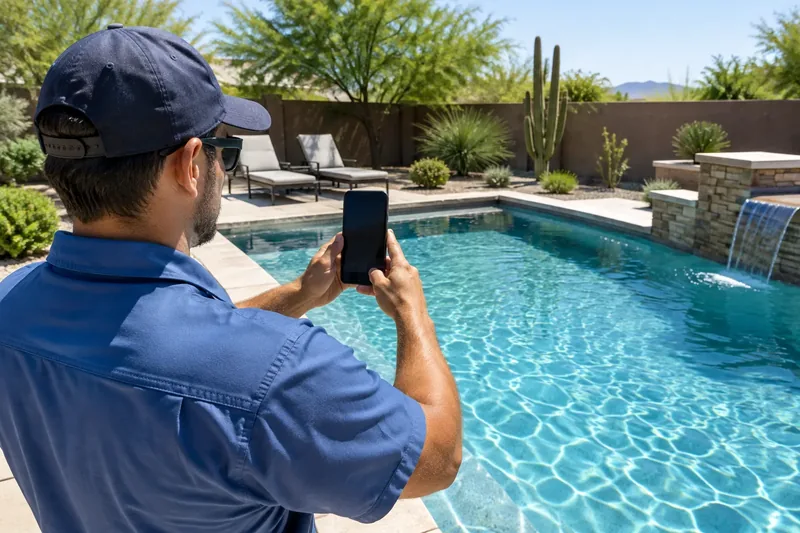
Post once and share it. Take one good photo on the job, write one caption, and send it to both places.
- Take the photo before you leave. Shoot the finished work in good light, with the customer's permission.
- Post to Instagram and share to Facebook. Meta's help page shows how to share your Instagram posts to Facebook, one at a time or automatically.
- Add a line on Facebook when it helps. A link to your booking page or the towns you serve fits well there.
- Answer comments and messages on both. Same day if you can.
How often should you post? That depends on what you can keep up. Our guide on how often a small business should post lays out a pace a busy owner can hold.
"Owners ask me which app to pick so they can skip the other one. Pick the one you will keep up, then let the same job photo work on both. One steady Page beats two quiet ones."
What does it cost to have both handled?
If posting keeps slipping off your list, hand it off. Ryzoro's social media management covers both platforms. It is $299 to set up, then $199 a month for 8 posts a month on Facebook and Instagram.
Add Google Business Profile management and the bundle is $249 a month plus $499 setup. Our Authority and Ultimate plans include social. You send job photos when you have them, and we write and post the rest.
We are family-owned and veteran-owned, and there is no lock-in. Pick a lead platform this week and stay with it. Not sure which one fits? Start with a free growth audit.