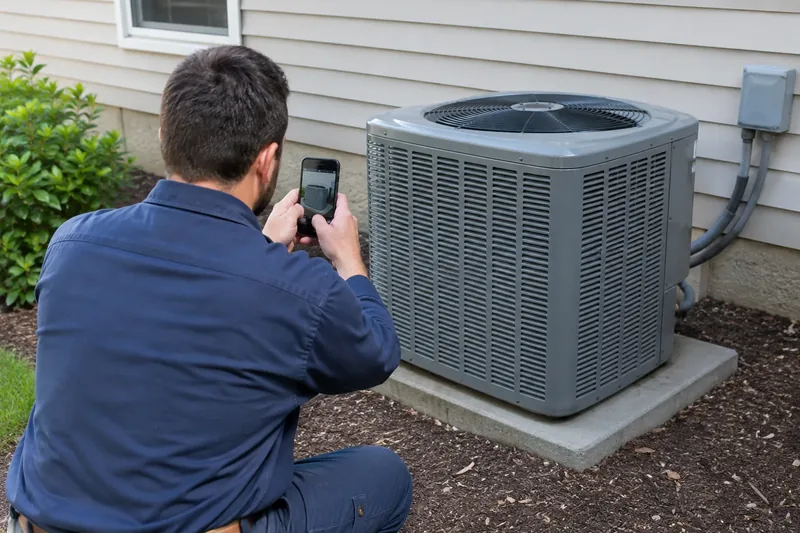
If you are stuck on what to post on social media for a service business, start with the work itself. Post proof: finished jobs, the crew behind them, quick tips, and real reviews. Every service call hands you new material, so you never run out. A homeowner deciding who to call wants to see that you are real, busy, and good at the job. Your posts should show exactly that.
Below are the five kinds of posts that work for a home service business. You also get 20 ideas for this month and a worked example week for a heating and cooling company. If you would rather hand it off, a free growth audit is a good first step.
What should a home service business post on social media?
Five kinds of posts cover almost everything you need. Rotate them, and your feed stays useful without reading like an ad.
- Proof of work. Before and after photos, finished jobs, and short clips of the crew at work.
- People. The techs, the office staff, and the owner. Customers hire people, not logos.
- Tips. Short advice a homeowner can use today, like how to reset a tripped breaker.
- Reviews and thank-yous. Real customer words, shared with permission.
- Timely posts. Seasonal reminders, holiday hours, and local events you are part of.
Keep sales posts light. One clear offer now and then is fine. A feed that is all coupons reads like junk mail, and people scroll past it.
Which posts bring calls, and which build trust?
Every post type has a job. Good home service social media mixes them, so the feed earns trust and still asks for the call.
| Post type | Its main job | Example |
|---|---|---|
| Proof of work | Shows you do good work | Before and after of a repaired fence |
| People | Puts a face on the truck | Meet the tech who answers your call |
| Tips | Shows you know the trade | Signs your water heater is wearing out |
| Reviews | Lets customers vouch for you | A five-star review, shared with permission |
| Timely posts and offers | Asks for the booking now | Now booking AC tune-ups for spring |
If a post does not do one of these jobs, skip it.
20 social media post ideas for contractors
Use these as a menu. Pick the ones that fit your trade and your week, and come back when you run dry.

Proof of work
- Before and after. Same angle, same spot, two photos. It is the simplest post any trade can make. Shoot both from where the customer stands, so the change is obvious.
- The finished job. One clean photo of the result, plus one line about what you fixed. For example: "New water heater in, old one hauled away, hot water back by noon."
- The problem you found. A corroded pipe, a scorched wire, a nest in the attic. Explain what it means in plain words. Customers learn something, and you look like the expert who caught it.
- A short work clip. Ten seconds of the crew doing careful work. No talking needed. Keep the phone steady and the customer's belongings out of frame.
The people behind the truck
- Meet the tech. A photo and two lines: their name, their trade, and the kind of job they like best. Customers like knowing who will knock on their door.
- A day on the road. The first job, the lunch stop, the last call of the day. It shows how hard the crew works without saying so.
- New gear or a new truck. Show what you bought and how it helps the customer.
- Training day. A tech learning a new skill or earning a new certification.
Tips customers can use
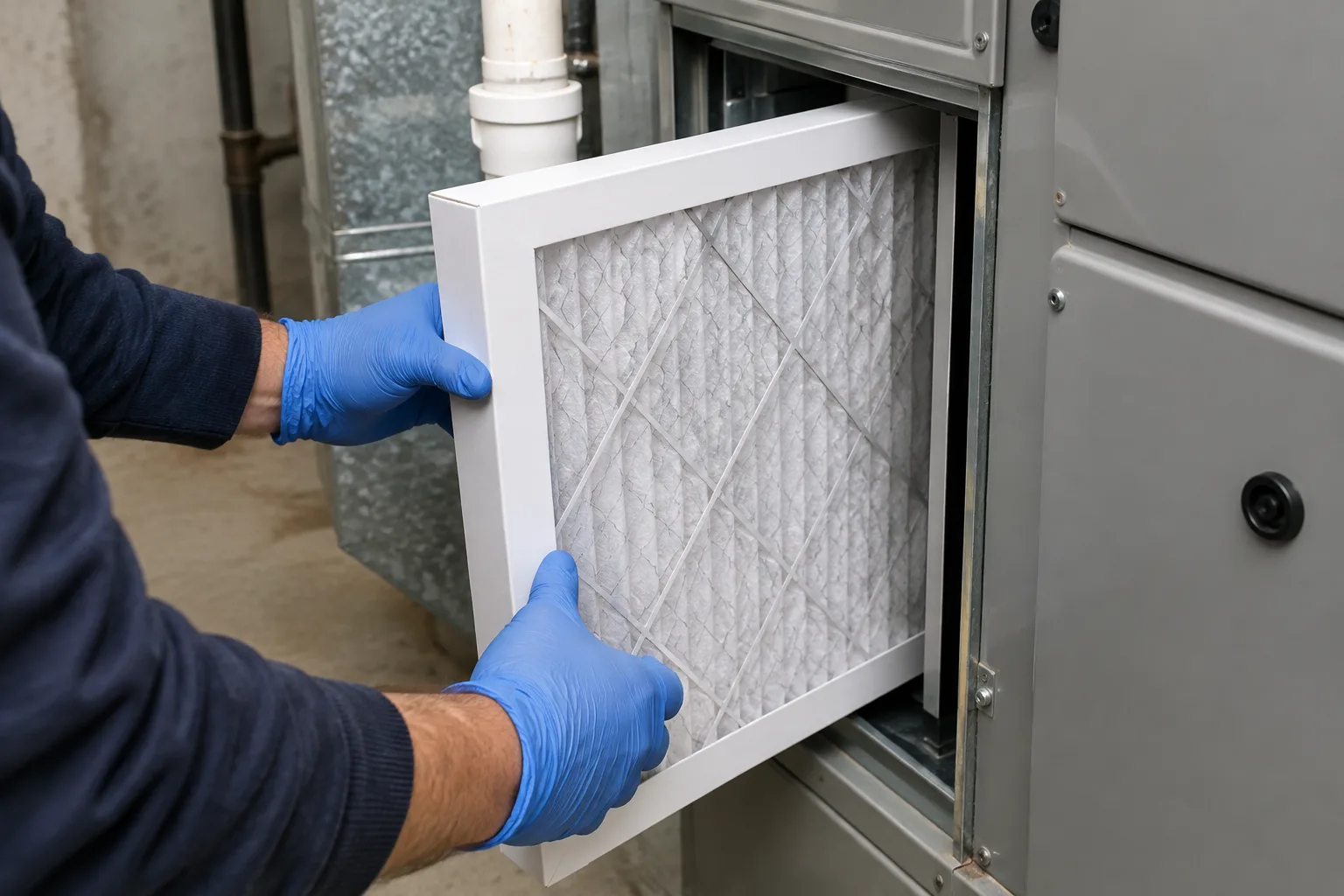
- A quick fix. Something safe a homeowner can do before calling, like changing a furnace filter. Stick to fixes that are safe for anyone to try.
- When to call a pro. The signs a small problem is about to become a big one. For example: "Water stain on the ceiling that keeps growing? Call before it spreads."
- Myth or fact. Clear up something customers often get wrong about your trade.
- A question you hear every week. Answer it in three sentences. If three customers asked it this month, it deserves a post.
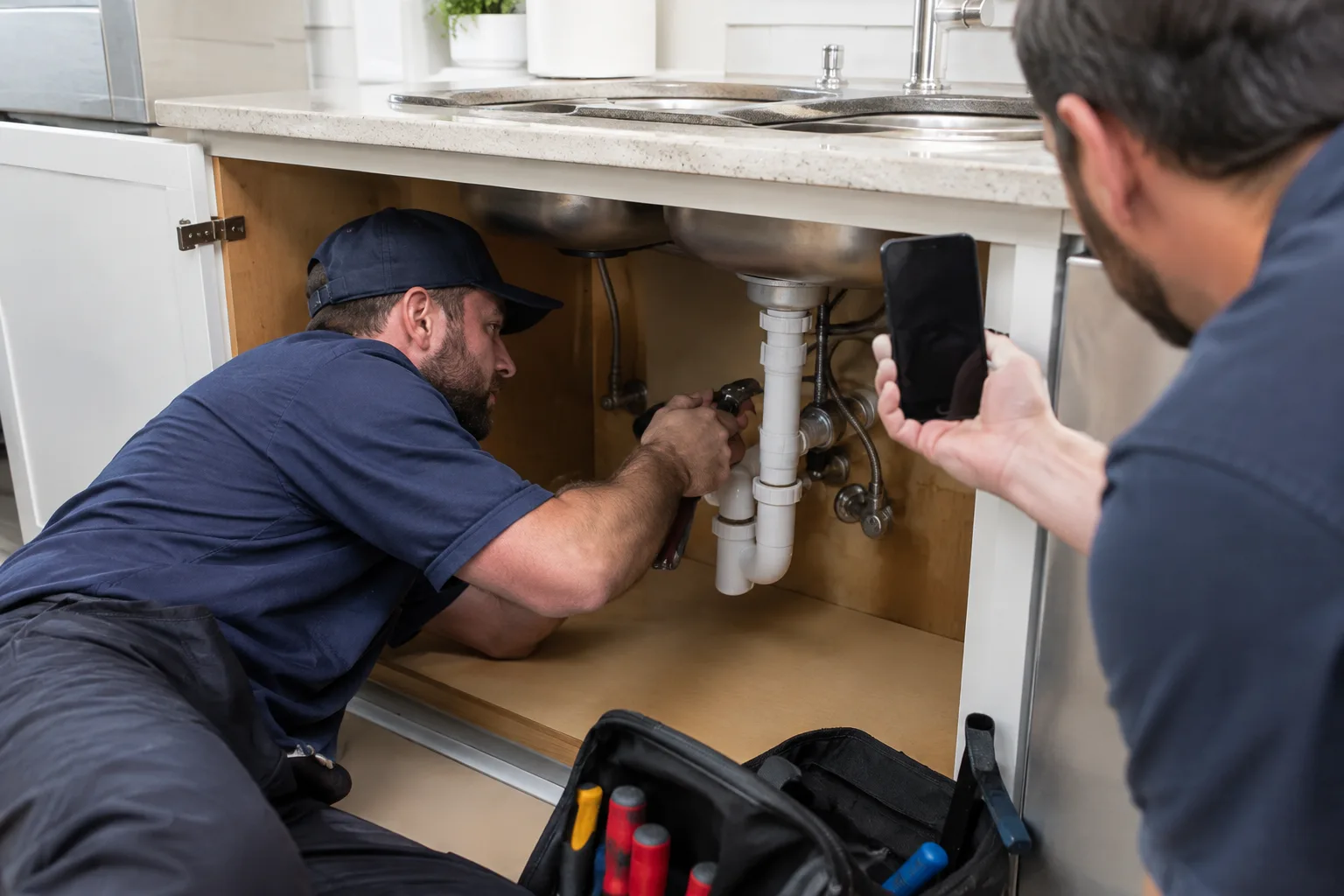
Reviews and thank-yous
- A review, shared with permission. Type it out with the customer's first name, only if they agree.
- A thank-you post. Thank a long-time customer or a neighbor who sent a referral, with their OK.
- Your review link. Remind happy customers where to leave a review. A review system makes the asking automatic.
- A job you are proud of. Tell it in three lines: the problem, the fix, and how the customer felt.
Seasonal and local
- A seasonal reminder. AC tune-ups before summer, furnace checks before the first cold night. Post it a couple of weeks before the rush, not the week of.
- Holiday hours. Tell people when you are open and how to reach you in an emergency. Post it a week ahead and again the day before.
- A local shout-out. A team you sponsor, a town event, or a supplier down the street. Being part of the town is a reason to hire you.
- How a job works. Walk through what happens from the first call to the finished job, so new customers know what to expect. It answers "what happens next?" before anyone has to ask.
A worked example: one week of posts for a heating and cooling company
Here is what one week could look like. The company and the posts are made up for this example. They are not a client and not real results. Swap in your own trade, your town, and your own photos.
Our example is a two-truck heating and cooling company in its first cold week of the season. The owner posts three times on Facebook and Instagram, plus one Google Business Profile post. That pace is easy to hold, and our guide on how often a small business should post explains why steady beats busy.
| Day | Post type | Photo | Caption (example) |
|---|---|---|---|
| Monday | Tip | A hand sliding a new filter into a furnace | "First cold week of the year. Before you turn the heat up, check your furnace filter. A clogged filter makes the system work harder. If yours looks gray, swap it. Questions? Send us a message." |
| Wednesday | Proof of work | The old furnace next to the new one, same angle | "Out with the old furnace this morning, on the north side of town. The family has steady heat again, and the old unit is headed to recycling. Thank you for trusting us with your home." |
| Thursday (Google Business Profile) | Timely | The work truck parked outside the shop | "Now booking furnace checks for the season. Call us or book online, and we will get you on the schedule." |
| Friday | People | The tech from Wednesday's job, standing by the truck | "Meet Marcus. He handled Wednesday's furnace swap, and he is the one who will ask to see your filter. He double-checks every connection before he leaves." |
Look at what the week does. Monday helps. Wednesday proves. Thursday asks people searching right now to book. Friday puts a face on the truck. Nothing in it needed a designer or a clever idea. It needed four photos and four short captions.
Why does the example skip the sales post?
It does not need one. The Thursday post asks for the booking, and the rest builds trust. Run a real offer when you have one, then go back to proof and tips.
How do you plan a week like this in one sitting?
Set aside one short block a week, such as Monday morning before the first call. Then work through four steps.
- Scroll last week's job photos and pick the best four.
- Match each photo to a post type: tip, proof, people or timely.
- Write all four captions in one go, using the caption steps below.
- Set each post to go out on its day, or post it from the truck when the day comes.
Doing it in one batch turns posting into one small weekly habit instead of a daily chore.

How do you write a caption that gets calls?
Keep it short and plain. A good caption for a service business follows four steps.
- Start with the problem. "No heat on the coldest night of the week."
- Say what you did. "We found a failed igniter and replaced it before dinner."
- Give the reader something. "If your furnace clicks but never lights, that is a sign to call."
- Tell them how to reach you. Your phone number, or "send us a message here."
Put together, it reads like this: "No heat on the coldest night of the week. We found a failed igniter and replaced it before dinner. If your furnace clicks but never lights, that is a sign to call. Send us a message here."
A few local hashtags are fine. A wall of them is not. Write the way you would explain the job to a neighbor over the fence, and skip the sales talk.
What photos should your crew take on every job?
Good posts start on the job site, not at the desk. Give every tech the same short list.

- Before: the problem, from where the customer sees it.
- During: one shot of careful work in progress.
- After: the same angle as the before, in good light.
- The detail: a close-up of the new part or the clean finish.
- The crew: only if they are happy to be in it.
Then protect the customer. Leave out house numbers, license plates, faces, and anything inside the home they would not want online. Ask before you post a customer's home, every time. A quick text such as "Mind if we share a photo of the new unit?" covers it.
One job done this way can feed a whole week. The before and after becomes a proof post. The worn part you pulled becomes a tip. The tech becomes a people post, and the customer's kind words become next week's review post.
"The best post ideas are already on your phone. Every job you finish is worth showing. Take the after photo before you pack up the truck, and you will never stare at a blank screen again."
What should you avoid posting?
A few posts do more harm than good. Leave these out.
- Stock photos. Customers can tell, and it makes a real business look fake.
- Customer details. Addresses, last names, and faces without clear permission.
- Public arguments. Never fight a bad review or a rude comment in the feed. Reply calmly once, then take it to a private message.
- Politics and hot topics. Your feed is for your business.
- Nothing but coupons. A feed of offers gets ignored.
- Long silences. A Page whose last post is months old looks closed.
What should you do when a post gets a bad comment?
Answer once, calmly, where people can see it, so other customers know you care. Thank the person, say you want to make it right, and ask them to call or message you. Then take the rest private. Do not delete an honest complaint just because it stings, since that can look like hiding. Spam and abuse are different, and you can remove those.

How do you make social media content for a local business feel local?
Name the place, but never the street. "Water heater swap on the north side of town this morning" means more to a neighbor than "another happy customer."
Tie posts to the seasons your customers live in. In the Tri-State, that means AC work when the heat arrives and the winter visitors who come for the cooler months. Show up in local groups with helpful answers, not ads.
Use the same photos on your Google Business Profile. That listing is what nearby customers see when they search for your service, so it deserves the same steady posts.
What if you never have time to post?
Most owners know what to post. The problem is the busy week when nobody does it. That is the gap Ryzoro fills.
With our social media management, you send job photos when you have them, and we write, design, and post the rest. It is $299 to set up, then $199 a month for 8 posts a month on Facebook and Instagram.
The Social plus Google Business Profile bundle is $249 a month plus $499 setup. Our Authority and Ultimate plans include social. We are family-owned and veteran-owned, with no lock-in. Show the work, and keep showing it. Want to know what your feed says about you today? Start with a free growth audit.